Diana Health
Diana Health runs a network of OB/GYN clinics and a patient app where patients manage their care between visits.
In the app, patients book and change appointments, read test results and their health record, follow a pregnancy week by week, work through to-dos from their care team, pay bills, fill in forms and message the clinic. A change to any of it is also a change to how nurses and the admin team work. When we started, one person covered product and design, the app and the website had drifted apart, and the design files mixed the current build with ideas and superseded screens.
Since May 2026 we have been building AI workflows that run Diana’s product development pipeline, from the first spec to the shipped screen, and the foundations they work from: a spec template with a lint step, one status vocabulary across both boards, and brand foundations in Figma with code to match. Together they make each step efficient, consistent and comprehensive. Each piece is defined once, open to agents and written down, so the whole team can learn it and build faster. Messaging, the first overhaul built this way, went live in every clinic on October 29.
- Services
- AI workflows & automationProduct definitionBrand foundationsProduct design
- Engagement
- May 2026 to present
Syntheus is building AI workflows that run Diana Health’s entire product development pipeline and support the team’s creativity and throughput. The team now ships 4x the features it did in the same months last year.

AI Workflows
We built AI workflows that run Diana’s product development pipeline from end to end, so the team’s time goes to the product. Every feature starts as a spec in one template, drafted by people and agents together and checked by a lint step before it reaches a board: 12 specs so far, with 323 acceptance criteria that each cover English, Spanish and text at one and a half times the size. One status vocabulary runs from first idea to launch, and an agent moves the spec and both boards to it together.
From there, agents build in Figma from library components, pick colors by semantic role and name every screen by flow, screen and state. They read the code a feature touches before engineering starts and review each build against the approved design. Messaging, the first overhaul built this way, went live in every clinic on October 29. The workflows run on the brand foundations below.
An agent at every step, from spec to shipped screen
Drafts it with the product manager in one template; a lint step checks it before it reaches a board.
Moves the spec, the product board and the engineering board to the same status together.
Builds in Figma from library components, colors by semantic role and names every screen by flow, screen and state.
Reads the code a feature touches before engineering starts and cites where it read it.
Compares a recording of the build with the approved design and writes each finding as one correction.
Answers plain questions from the boards and docs, and asks before it creates or changes anything.
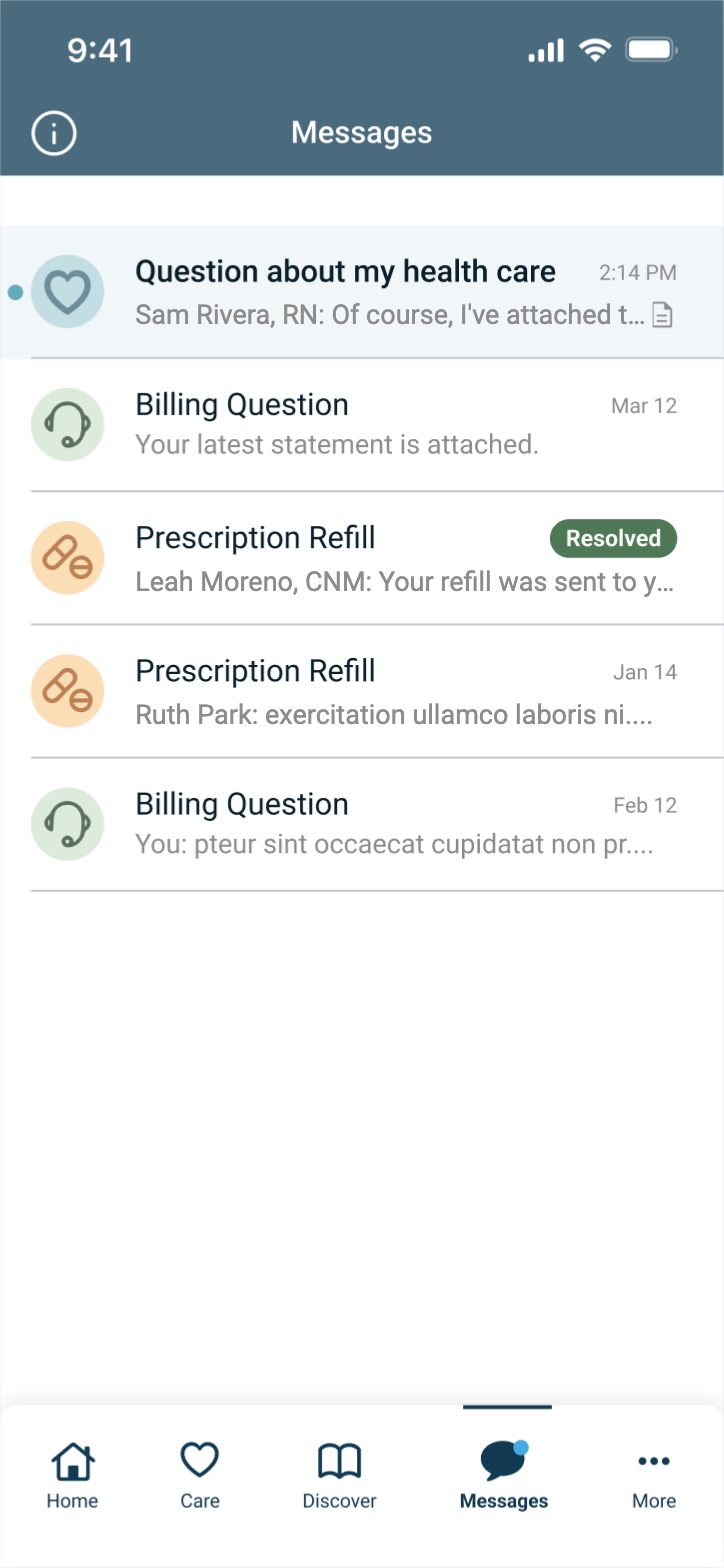
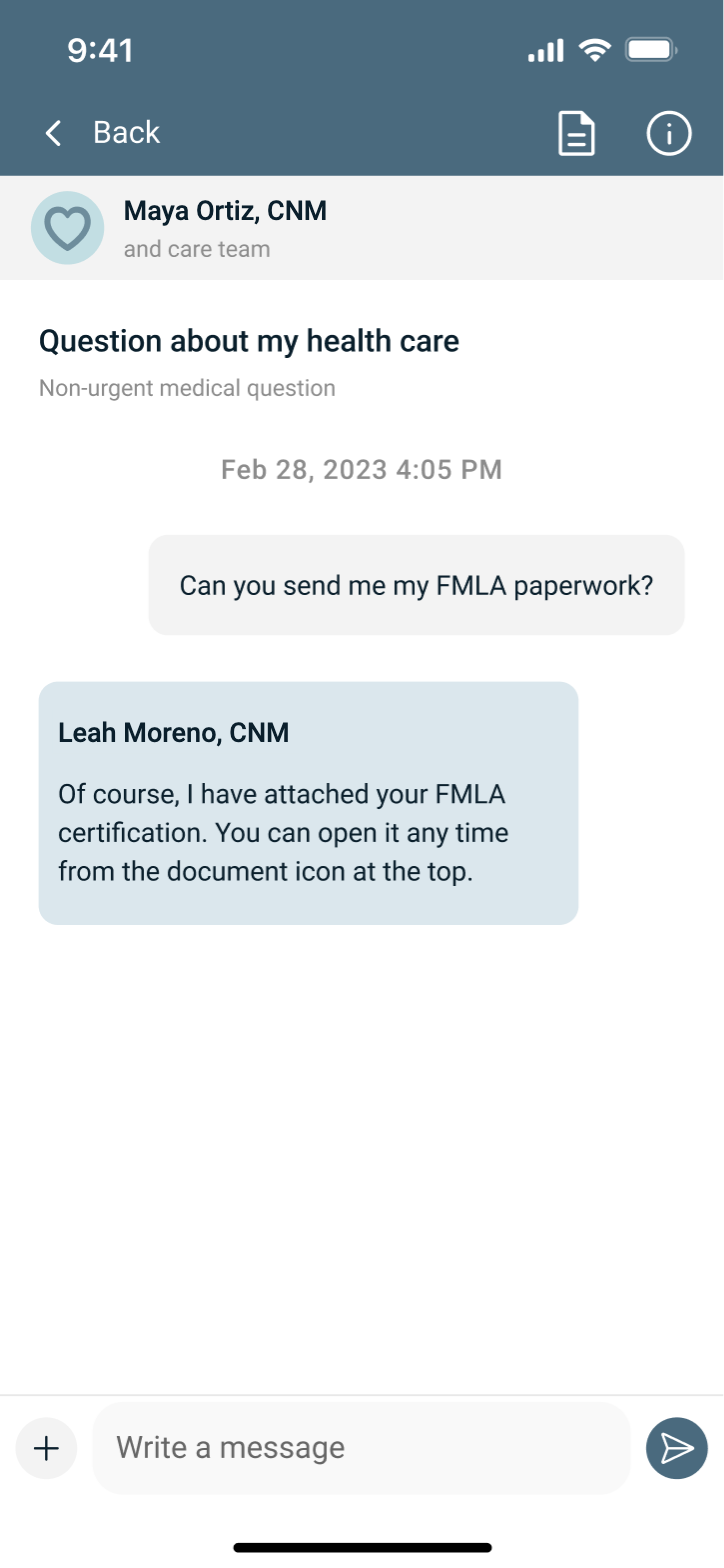
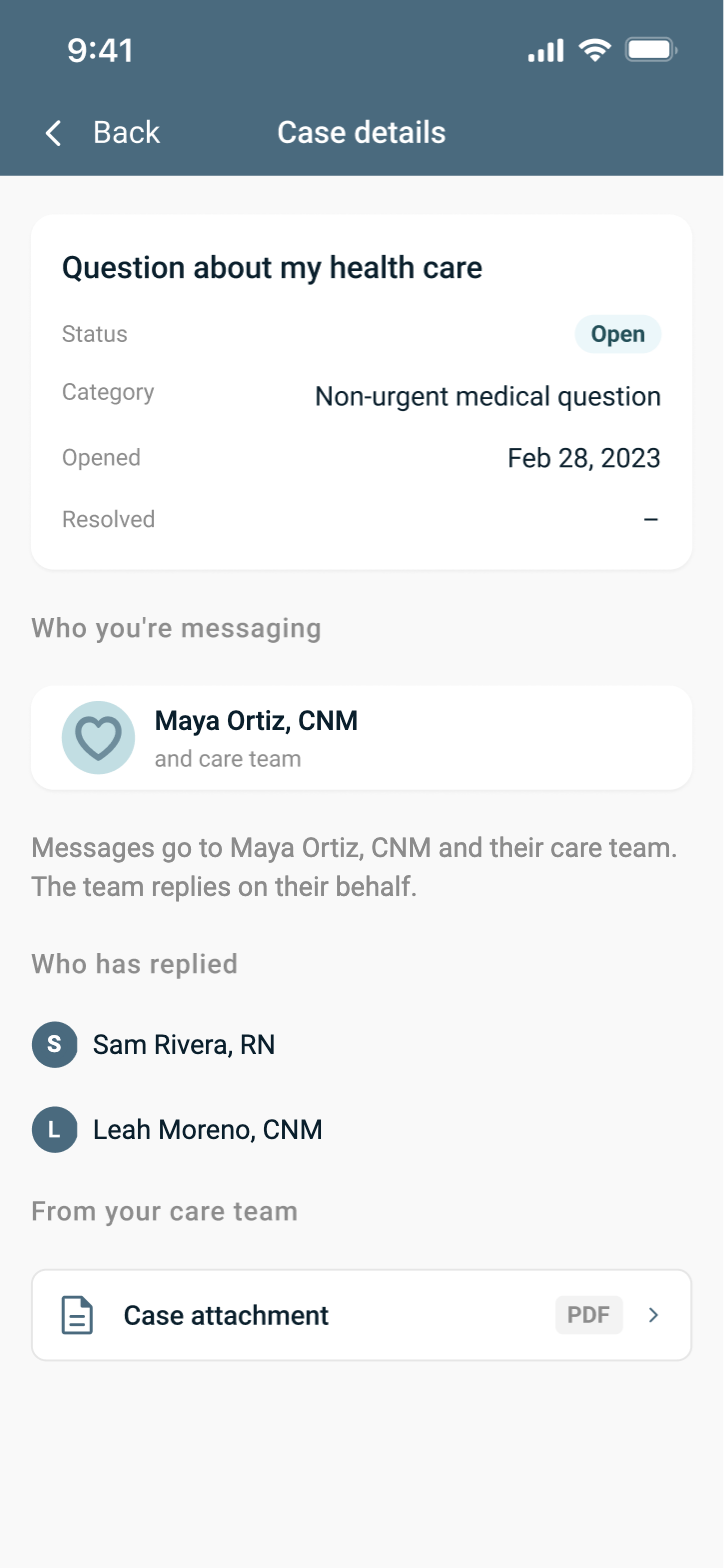
Messaging: subject routing and the create-message flow
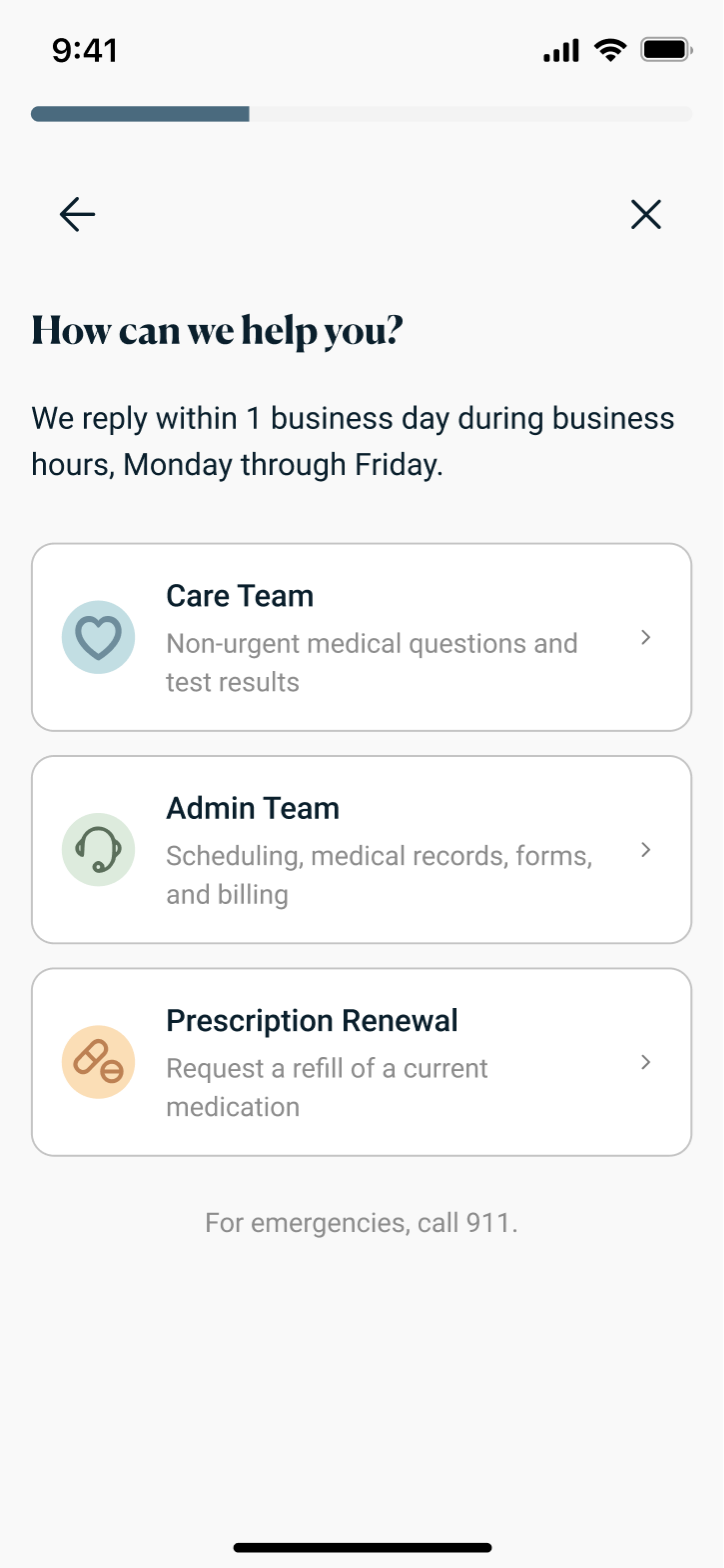
Given the create-message wizard, when it opens, then the first step shows Care Team, Admin Team and Prescription Renewal as tap-to-advance rows.
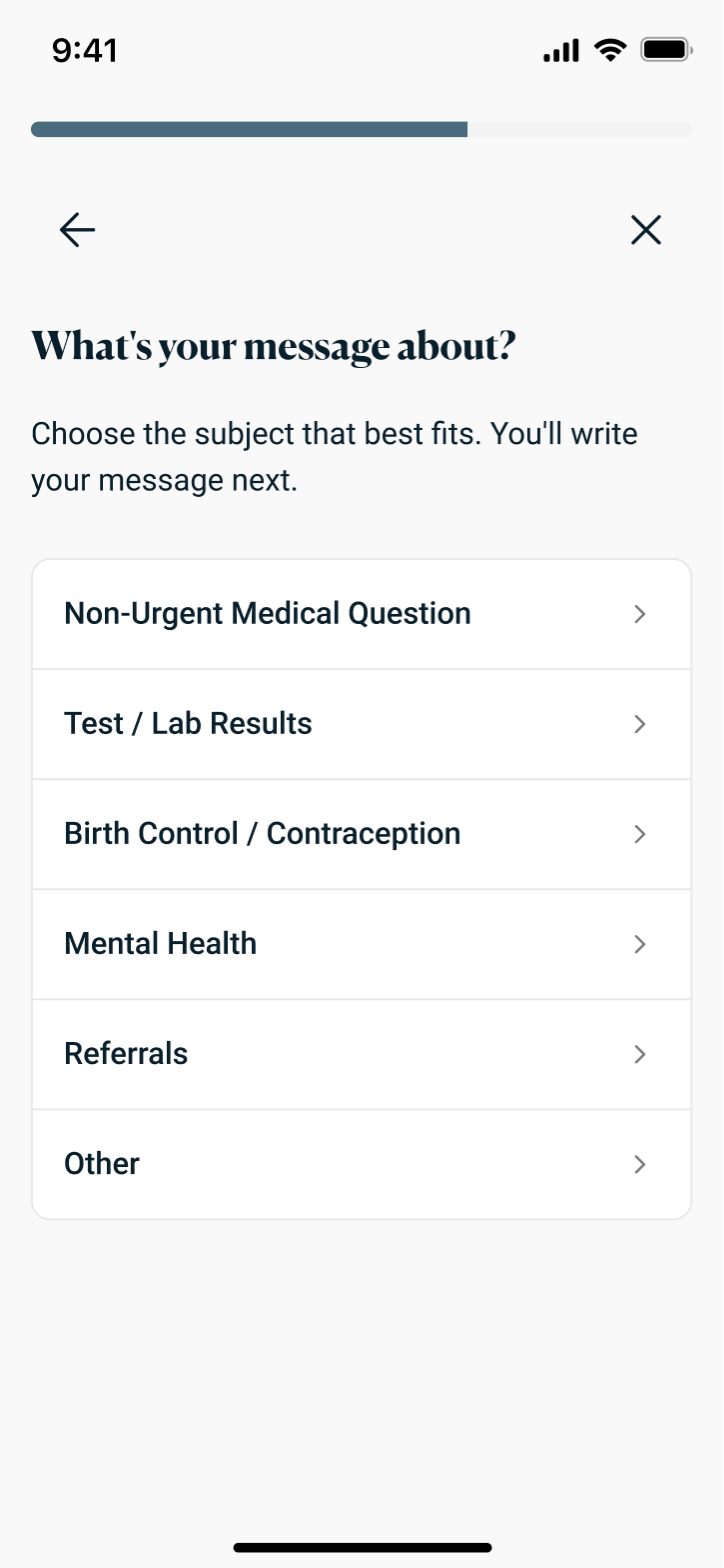
Given the subject step, when it loads, then the heading reads “What’s your message about?”
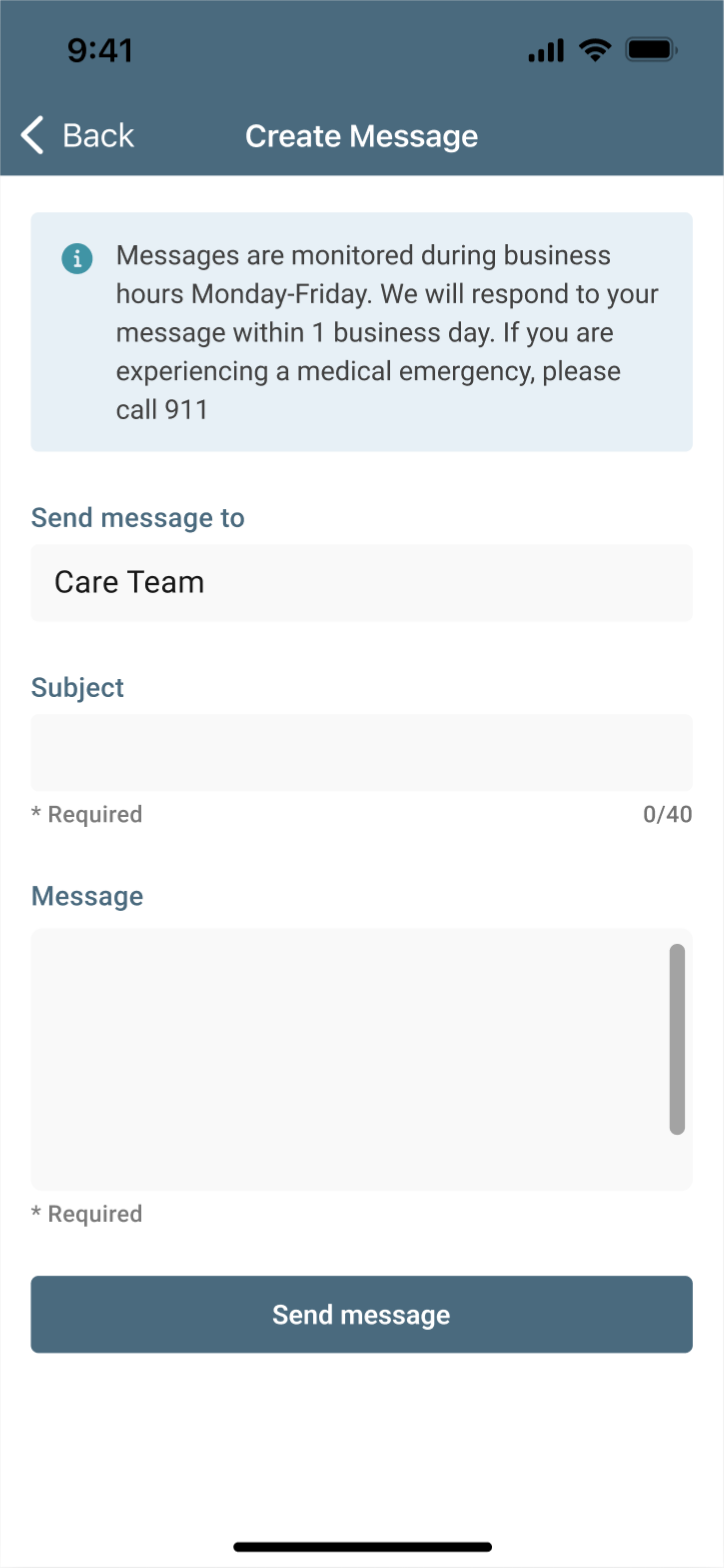
One form
Pick a team, type a subject of up to 40 characters, write the message.
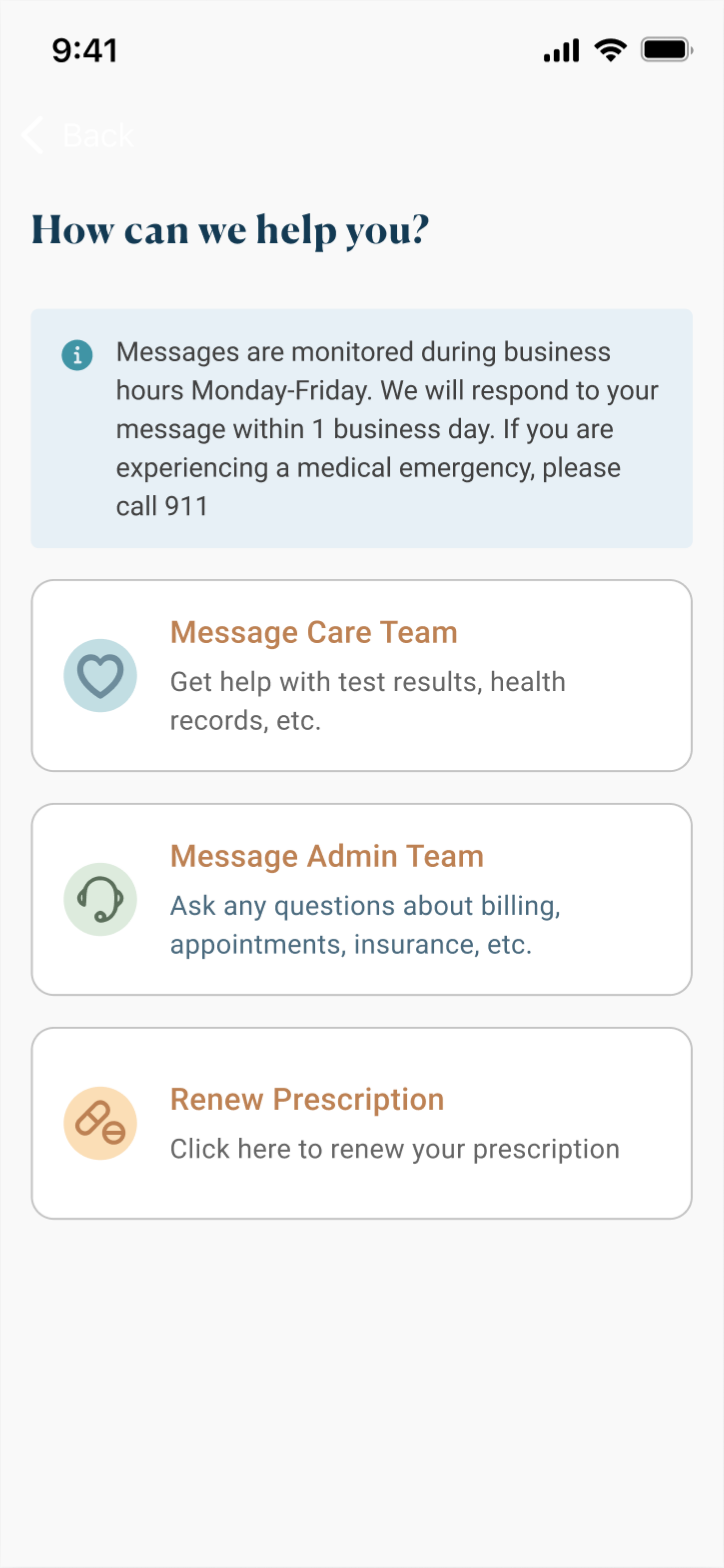
Three taps, then the message
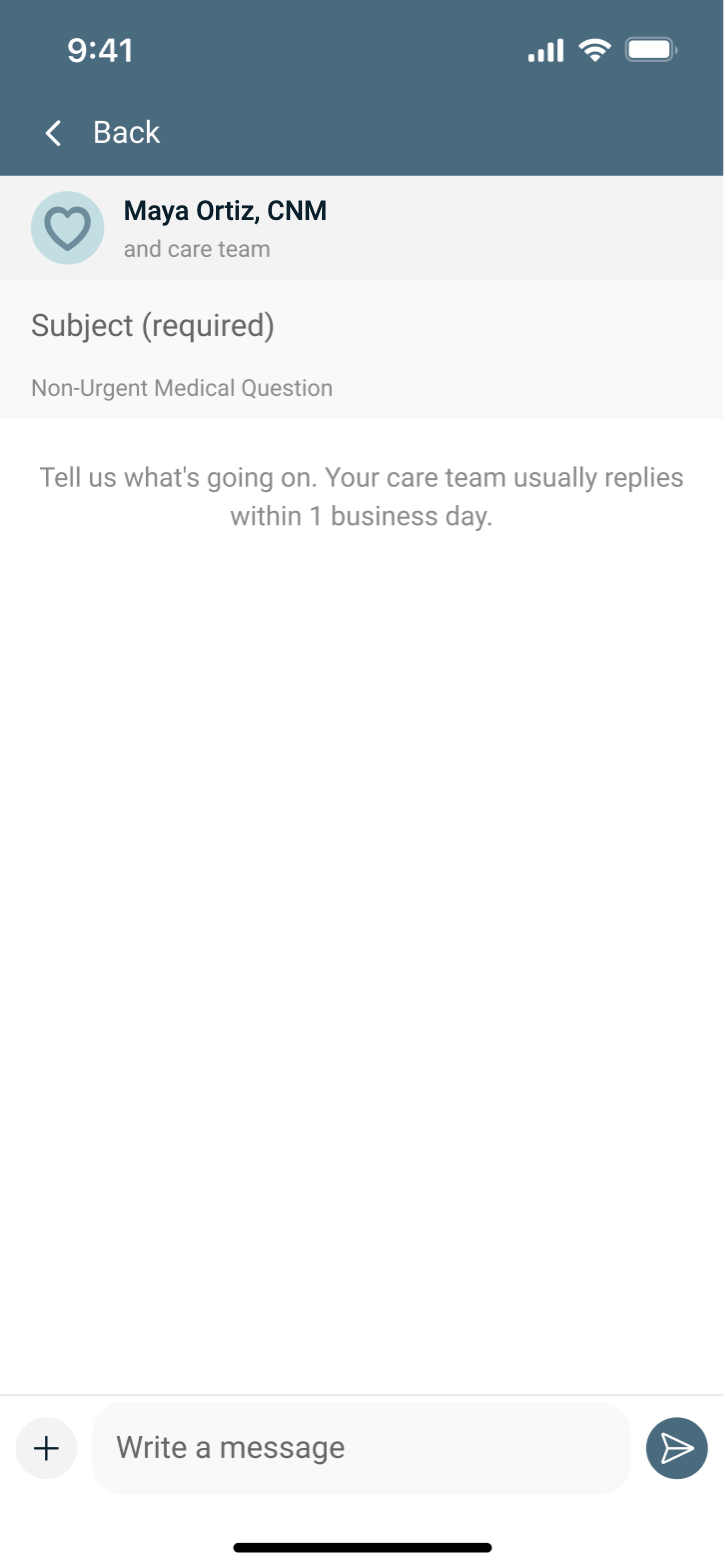
Who it is for, then what it is about, each picked from a list. The message opens with both already set.
Brand Foundations
Agents are only as consistent as the system they build from, so the foundations came first. When we started, the app and the website had drifted apart: palettes that shared only two blues, different body fonts, and one brown written four ways in the code. Only 7% of the app’s color use went through a named role.
We defined the foundations once, in Figma: 473 variables in 11 collections with light and dark values for every color role, the text styles, and a component library with one page per component, from buttons to the app’s own bottom navigation and wizard header. One command turns the variables into code, a check fails the build when Figma and code drift apart, and designers, engineers and agents build from the same definitions.
The same color, written four ways
colors.orange.dark-2colors.secondary.600#bd8153rgba(191,139,110,1)Alerts that clashed with the palette
Color use that went through a named role
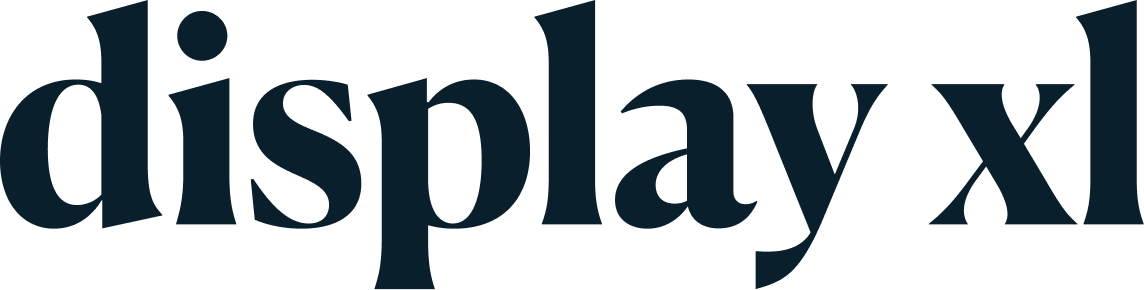 72 / 79
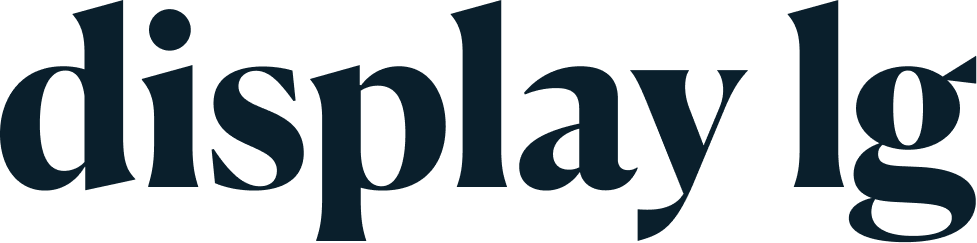 60 / 66
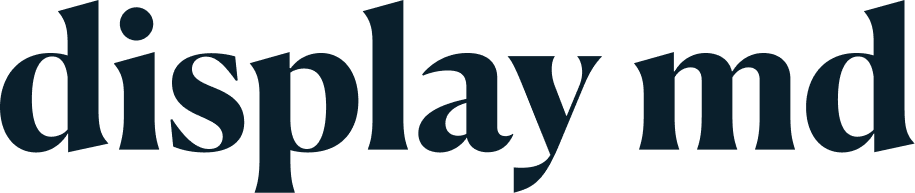 48 / 53
 36 / 42
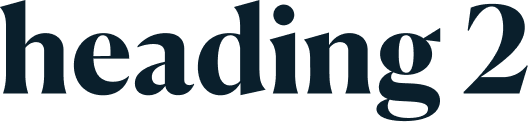 30 / 36
 24 / 30
 20 / 26
 18 / 24
Named for the job
Designers and agents choose a color by its role. The role points to a raw value, and light and dark mode each supply their own.
Seven of the library's 87 semantic colors.
One bar, two languages
English Selected: filled icon, bold label, rule above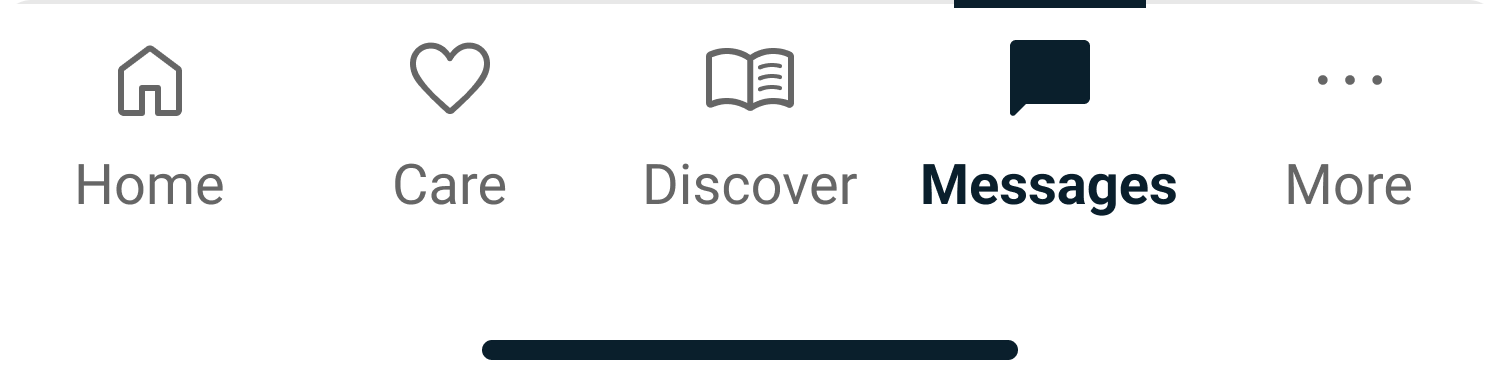
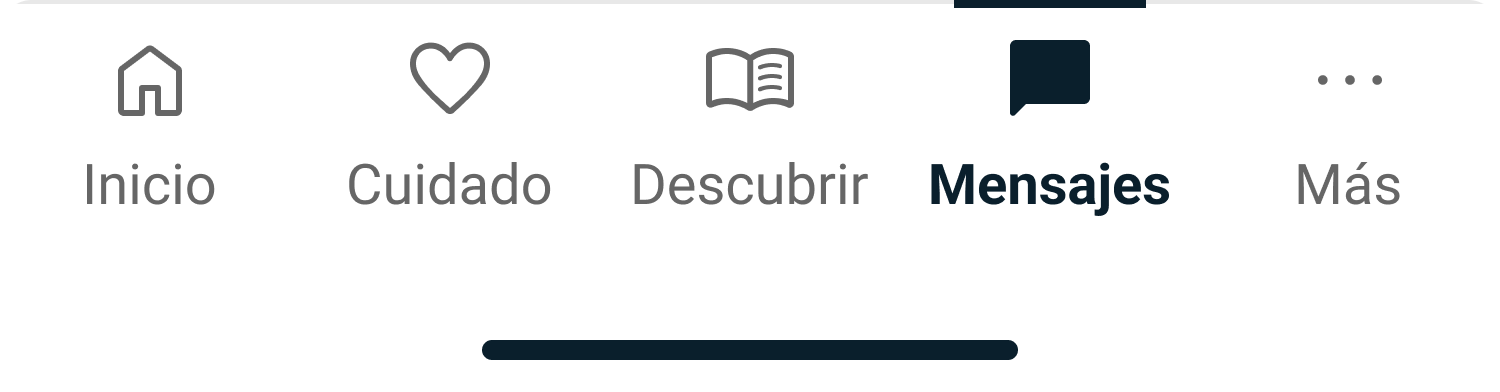
Built for messaging, now in the library
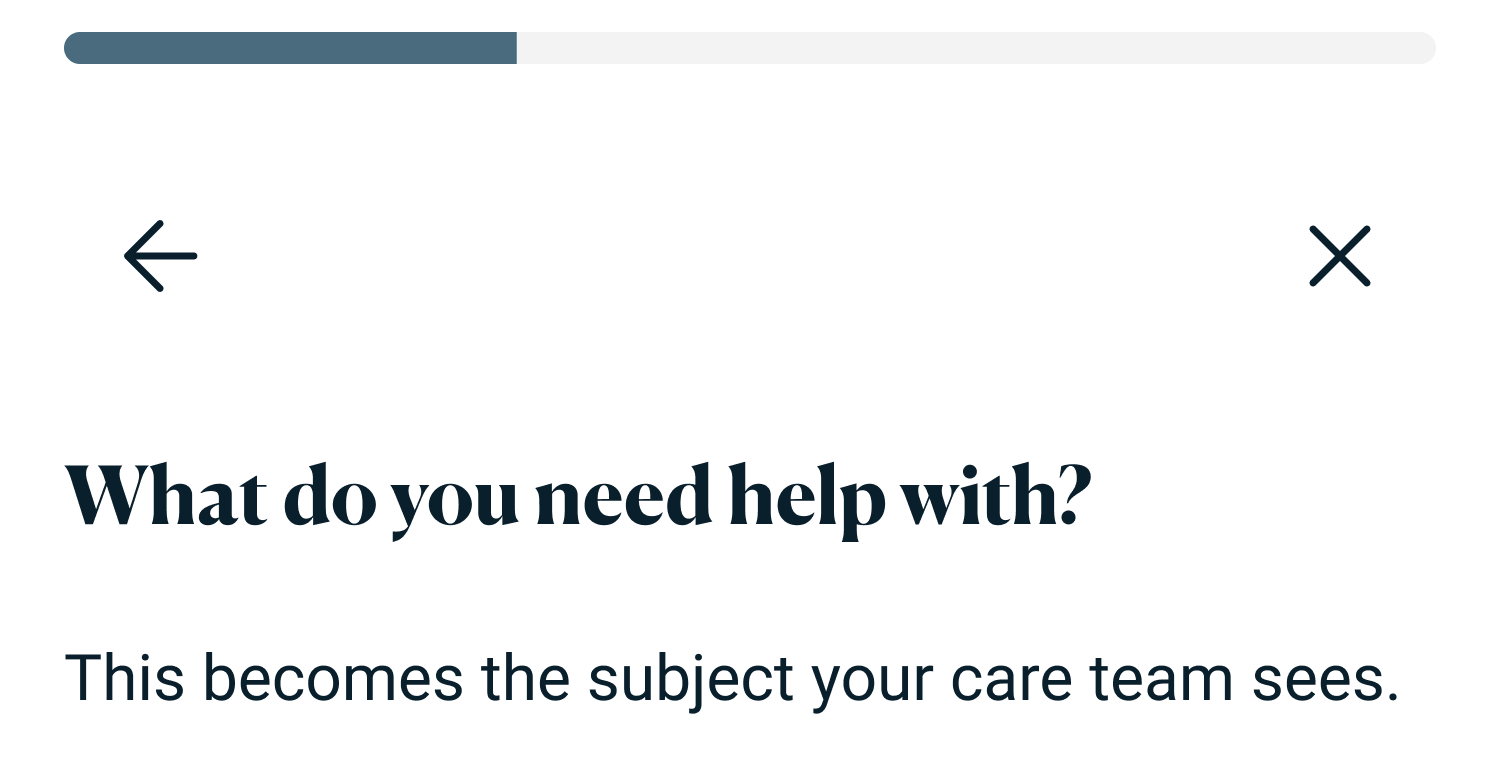
Made for the create-message flow, then added to the library as a component of its own.
The library
473 variables in 11 collections, every color role with a light and a dark value.
One token file
Every variable in a single file, in a standard token format.
tokens.jsonOne command
Generates the CSS every surface reads.
semantic.css · light, darkComponents and docs
Storybook and the foundations site, reading the same tokens.
1,747 of the app’s 1,851 color references now map to a token in the crosswalk. 57 identifiers are listed as open decisions, and a check fails the build if the two drift apart.
“The Syntheus team has transformed how we work every day. We’re able to go from idea to spec faster than ever before.”